

rplidar-ros2 sample application provides basic device handling for the 2D laser scanner RPLIDAR A1/A2/A3/S1/S2/S3.
Pipeline flow for rplidar-ros2
The figure shows the pipeline of the rplidar-ros2 sample. The sample application gets the driver data from the rplidar SDK, and then publishes the /scan topic.

Figure : rplidar-ros2 pipeline
ROS topics used in the rplidar-ros2 pipeline
| ROS topic | Message type | Published/Subscribed by | Description |
|---|---|---|---|
/scan | sensor_msgs::msg::LaserScan | Published by rplidar-ros2 | The /scan topic publishes the laser scan data from the RPLIDAR. |
Prerequisites
- You have Set up the device according to Set up the environment for running sample applications.
- Connect the power supply and USB port of RPLIDAR A3M1.
Run out-of-the-box rplidar-ros2
- To set up the QIR SDK and ROS2 environment on the device and run
rplidar-ros2, start a terminal and run the following commands:
- To check the topic output, run the following command:
- RViz visualization screenshots showing
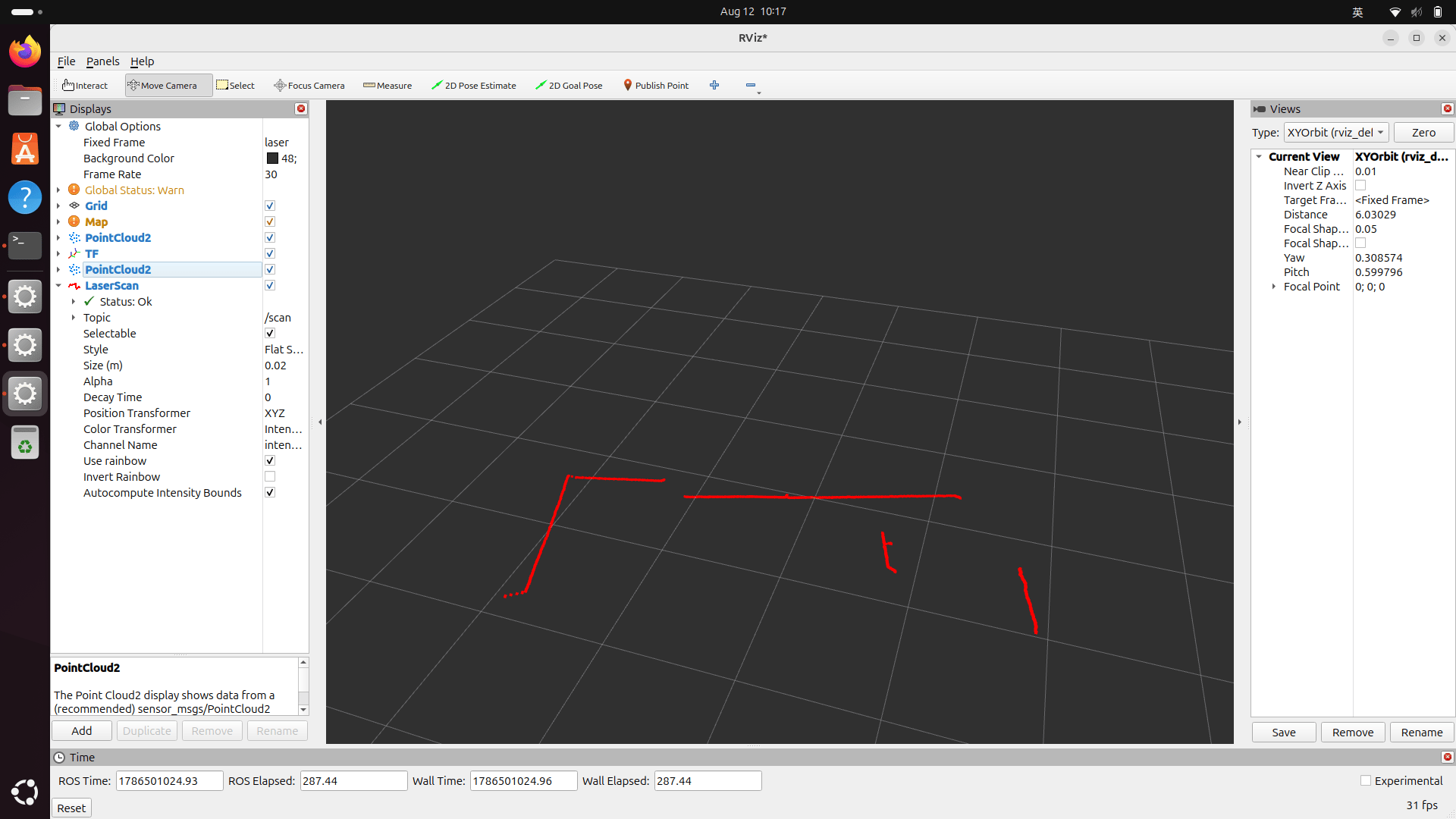
Figure : visualization on RViz