

Run the multistream inference sample application
Thegst-ai-multistream-inference application demonstrates AI inference (object detection and classification) on up to 8 combined input streams from a camera, file, or RTSP source. The output can be displayed on an HDMI display, saved as an H.264-encoded MP4 file, or streamed as RTSP output.
- Download the YoloX and InceptionV3 quantized models from Qualcomm AI Hub and copy them to the device.
-
Copy the models and input video files to the device from your host computer terminal:
-
On the QDC device shell, download and extract the labels file:
-
Create the
/etc/xdg/westondirectory on the device: -
Create or edit the
/etc/xdg/weston/weston.inifile on the device: -
Edit the
/etc/configs/config-multistream-inference.jsonconfiguration file. For RTSP input and RTSP output:Theinput-rtsp-pathfield is a JSON array of RTSP input addresses. The output is streamed atrtsp://<output-ip-address>:<output-port-number>/live. For file input and file output:Theinput-file-pathfield is a JSON array of input file paths. The output is saved to the path specified inoutput-file-path. -
Run the sample application:
For a full list of configuration options, run:
-
View or copy the output:
- File output
- RTSP output
Copy the output file to your host machine:
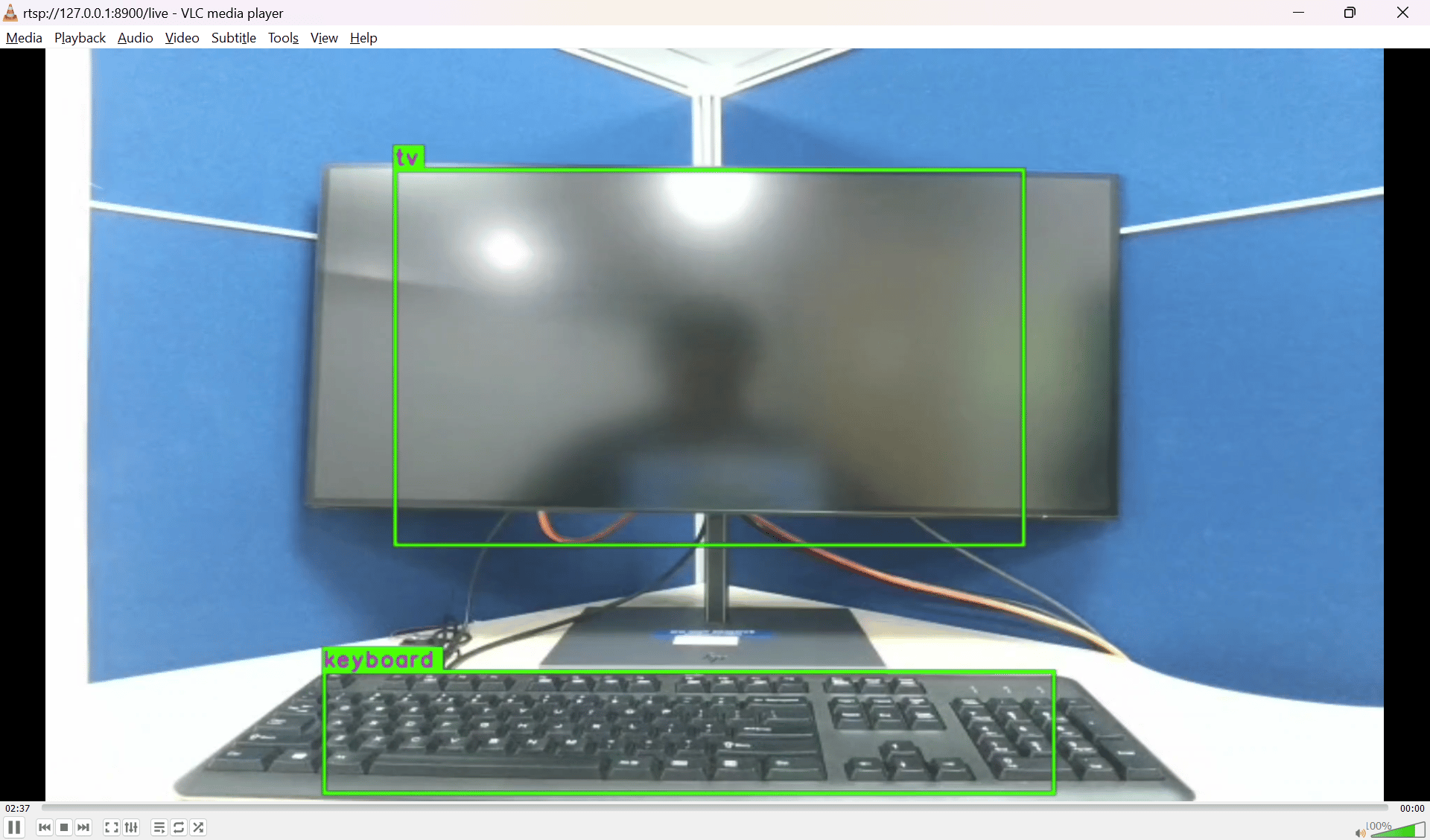
Run the multi-input object detection sample application
Thegst-ai-multi-input-output-object-detection application performs object detection on video streams from various sources such as a file or RTSP stream. The output can be displayed on an HDMI display, saved as an H.264-encoded MP4 file, or streamed as RTSP output.
- Generate the yolov5.tflite model and download the label files.
-
Copy the model and input video files to the device:
-
On the QDC device shell, download and extract the labels file:
-
Unless already done, create the
/etc/xdg/westondirectory on the device: -
Unless already done, edit the
/etc/xdg/weston/weston.inifile on the device: -
Edit the
/etc/configs/config-multi-input-output-object-detection.jsonconfiguration file. For file input and file output:For file input and RTSP output: -
Run the sample application:
-
View or copy the output:
- File output
- RTSP output
Copy the output file to your host machine: