

Key Features
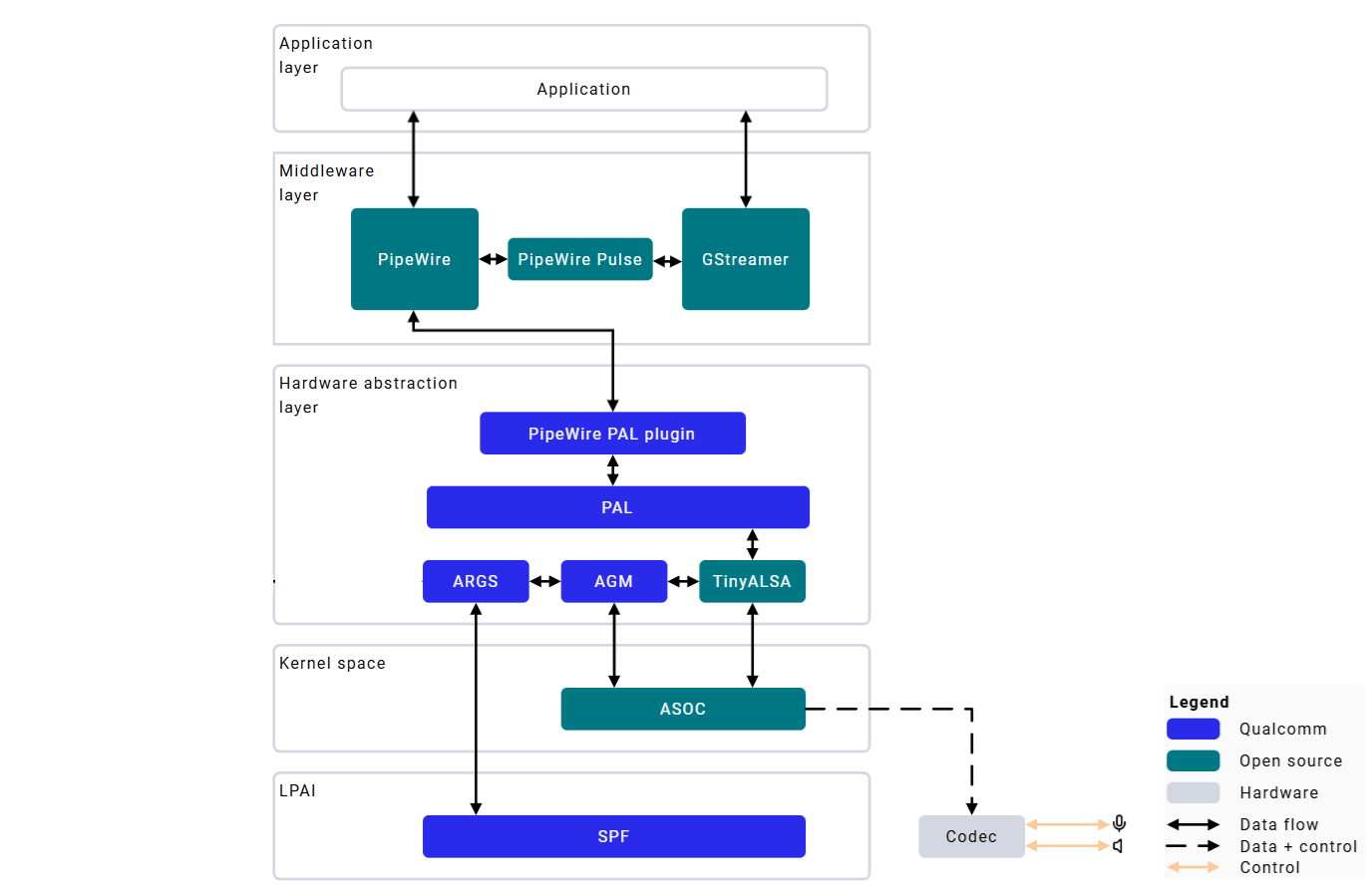
- Low Power AI (LPAI) subsystem for efficient audio processing
- PipeWire multimedia server for low-latency audio routing
- Hardware-accelerated encoding/decoding
- Fluence ECNS — advanced echo cancellation and noise suppression
- Multiple audio interfaces — I2S, TDM, SoundWire
Hardware Configuration
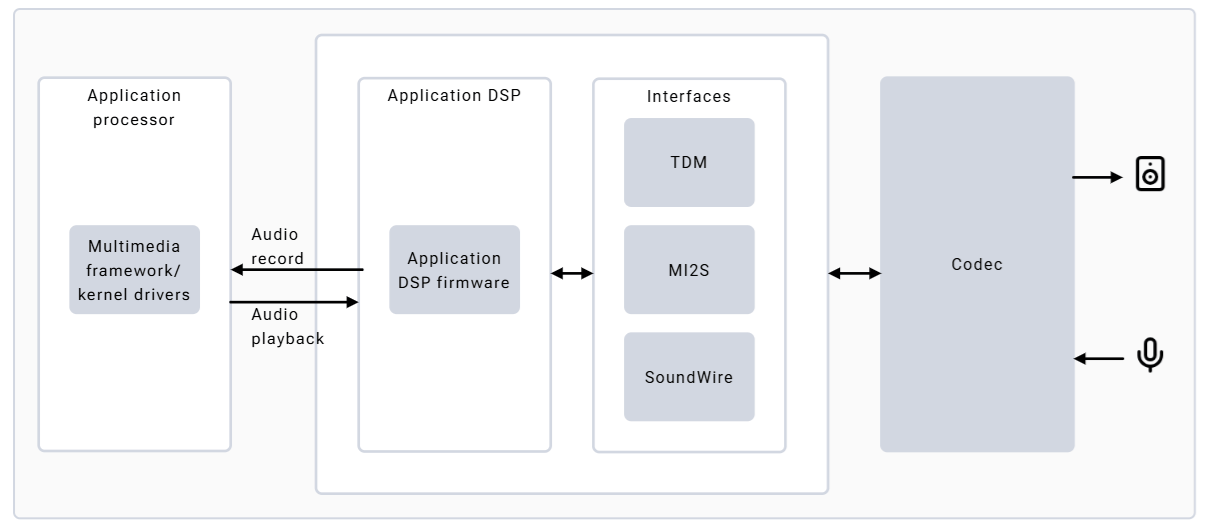
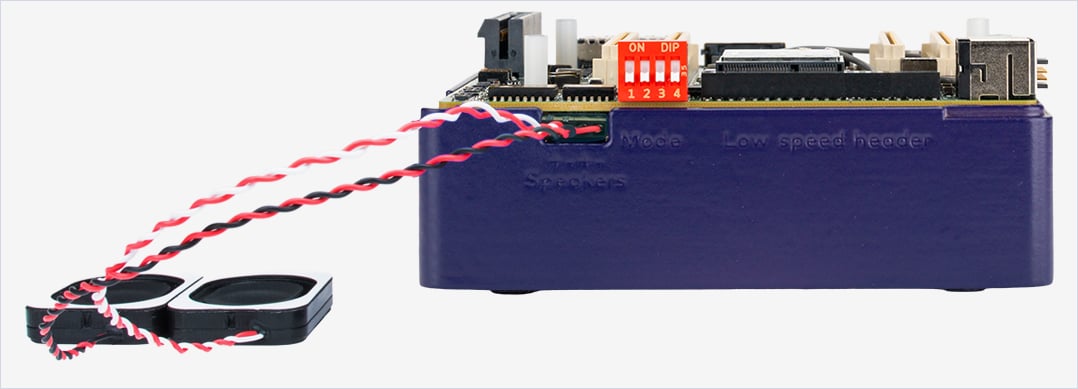
- Speakers: Onboard speakers with MAX98357 I2S-amps; HS0_MI2S shared between left and right for stereo
- Microphone: Single onboard microphone (MMICT5848) on HS2_MI2S, configured to left channel by default Speaker connection:
Architecture
Configuration Files
Verify Audio Stack
Audio Playback and Capture
PipeWire Playback
1
Push audio file to device
2
Set default sink and volume
3
Play audio
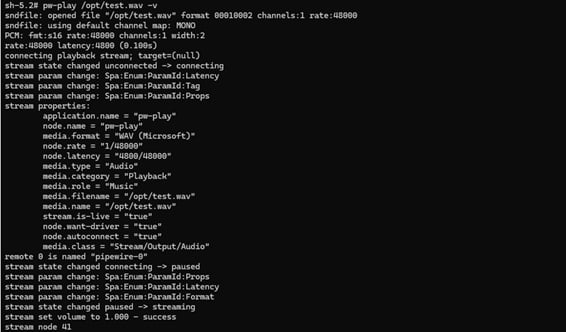
Ctrl+C to stop.PipeWire Record
1
Set default source and volume
2
Start recording
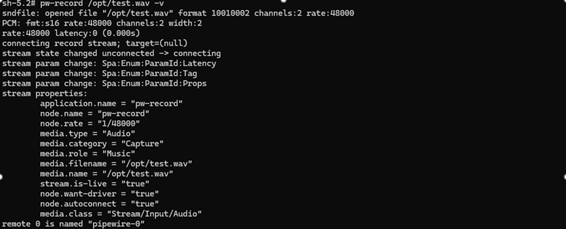
Ctrl+C to stop.A value of
1.0 represents 100% volume.GStreamer Audio
- Capture
- Playback
Log Capture
Troubleshooting
No Audio Output During Playback
No Audio Output During Playback
Audio Playback Stuttering or Crackling
Audio Playback Stuttering or Crackling
PipeWire Service Not Starting
PipeWire Service Not Starting