

Download and install
- Windows
- Linux
- macOS
1
Open the Qualcomm Software Center
Navigate to the Qualcomm Launcher download page.
2
Select your host platform
Choose Windows as the Operating System and select the architecture that matches your host machine.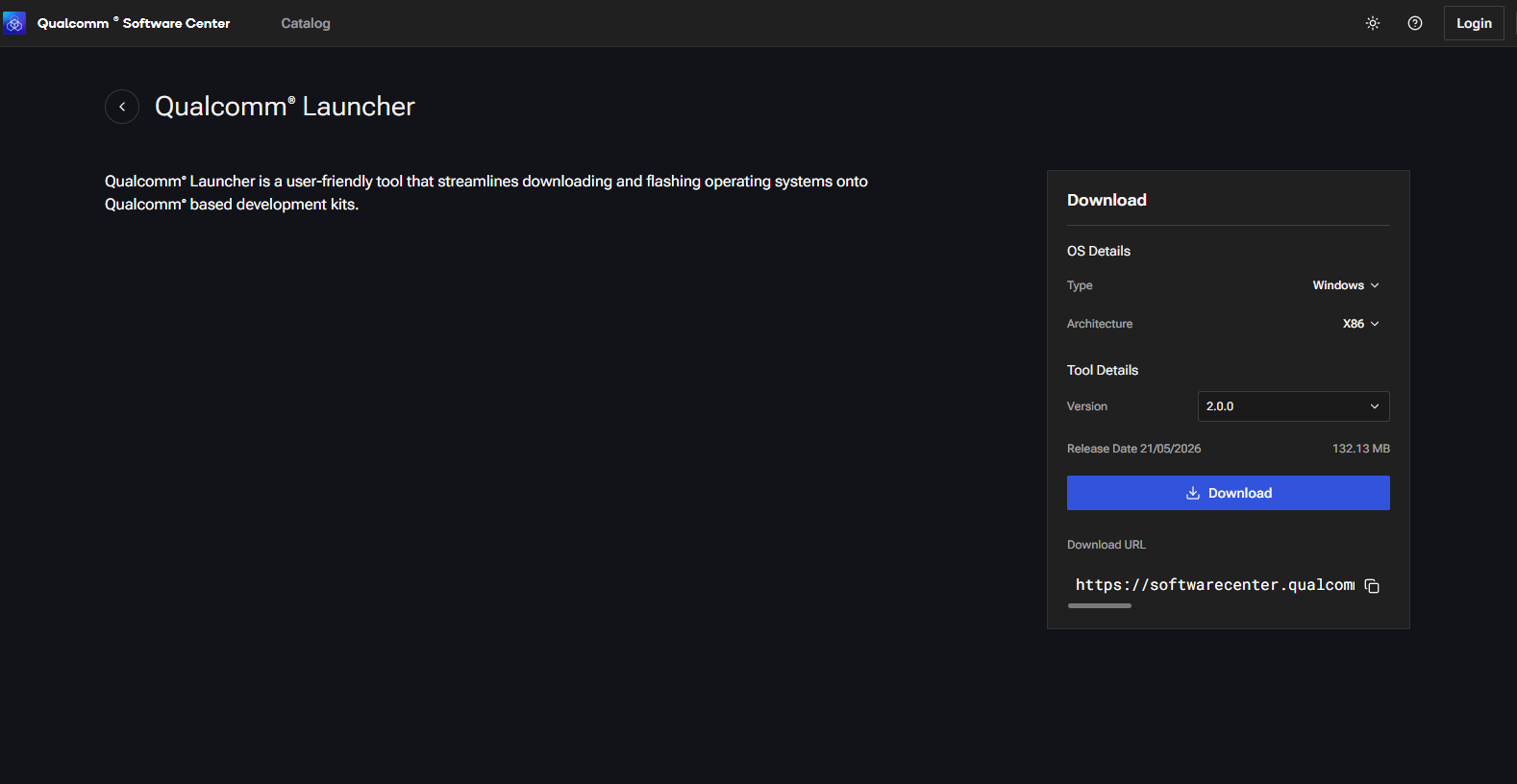
Select the OS and architecture for your host machine
3
Download the latest version
Select the latest available version from the list and click Download. A
.exe installer will be saved to your machine.4
Run the installer
Double-click the
.exe file and follow the on-screen prompts. Once installation finishes, Qualcomm® Launcher is ready to use.Ensure you select the architecture of your host machine when downloading.