

Hardware Architecture
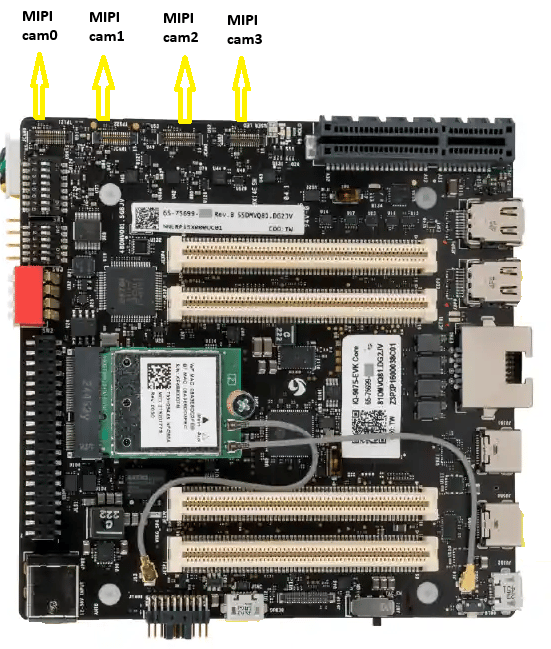
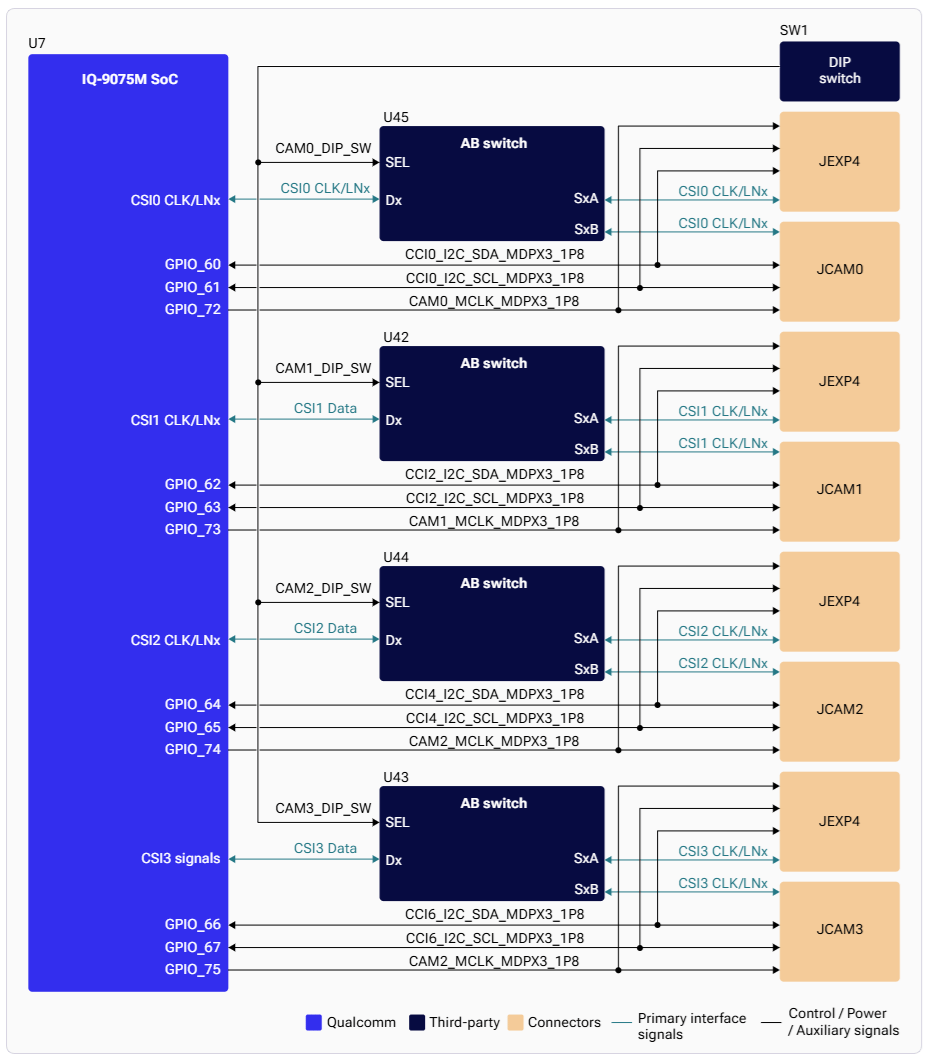
CSI Interface Mapping
DIP Switch Configuration
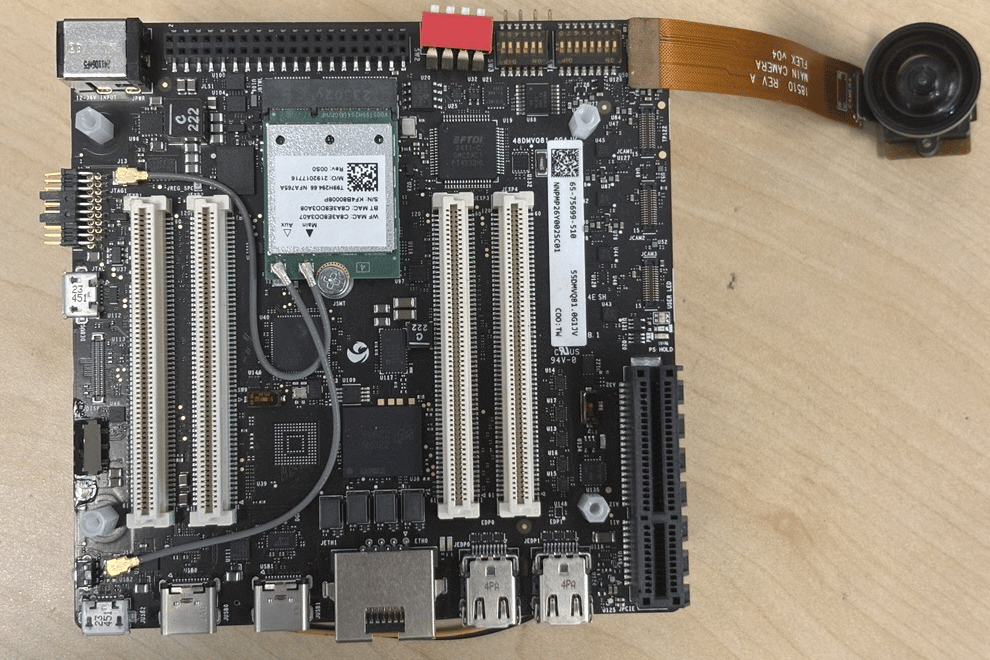
The four CSI PHYs can be routed to either MIPI camera ports or GMSL camera ports (via mezzanine board) using DIP switches.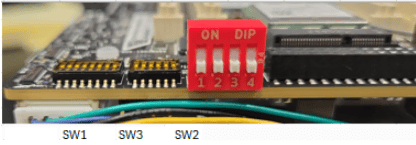
Supported Camera Sensors
Raspberry Pi Camera Sensors
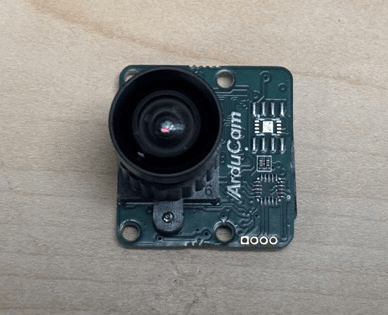
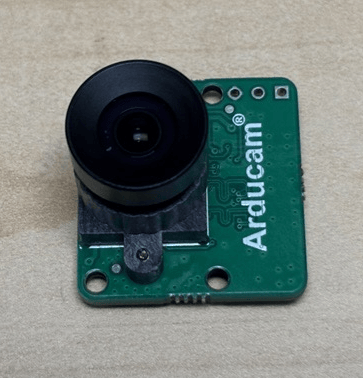

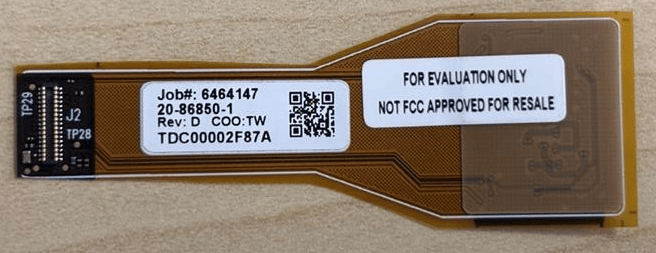
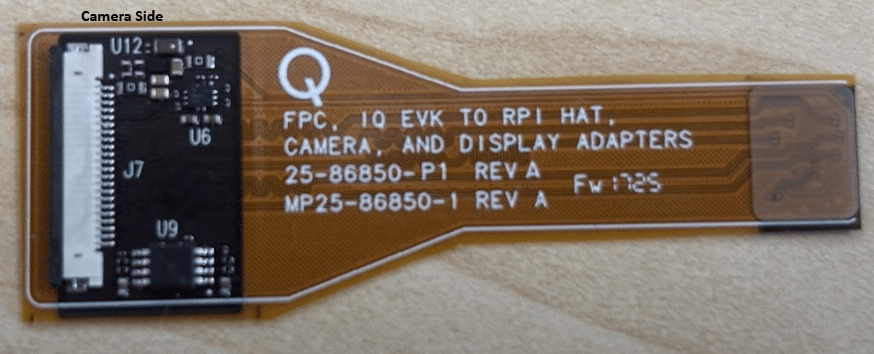
MIPI CSI Camera Sensors
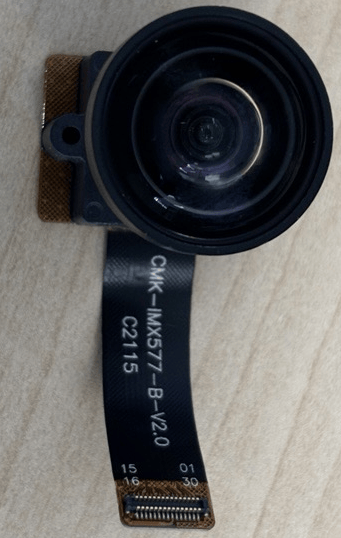
Supported Resolutions
Advanced features such as SHDR, LDC, and EIS are not supported on IQ-9075. There is no hardware JPEG encoder — snapshots use a software encoder running on the CPU.
Camera Streaming
Single Camera Stream
PLAYING, the camera is running. Press Ctrl+C to stop.
Video Encoding
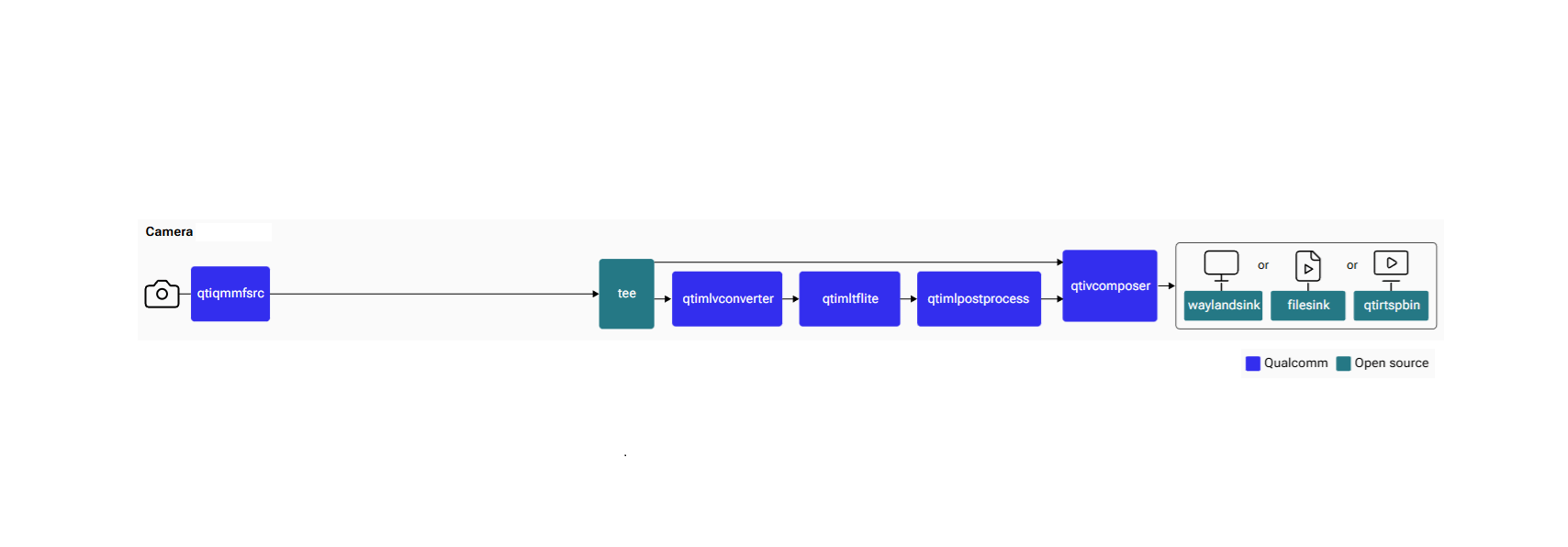
Object Detection Pipeline
Video Encoding + Snapshot
1
Start the pipeline
2
Take a snapshot
From the interactive menu: (1) Ready → (3) Playing → (p) Plugin Mode → (11) camerasrc → (37) capture-image → (1) Snapshot → enter count
3
Stop and retrieve files
Press Enter →
b (Back) → q (Quit).Multi-Camera with Offline IFE
The IQ-9075 has two IFEs for real-time bayer-to-YUV processing. The Offline IFE feature allows a single IFE to process two cameras in offline mode, enabling concurrent streaming from all four cameras.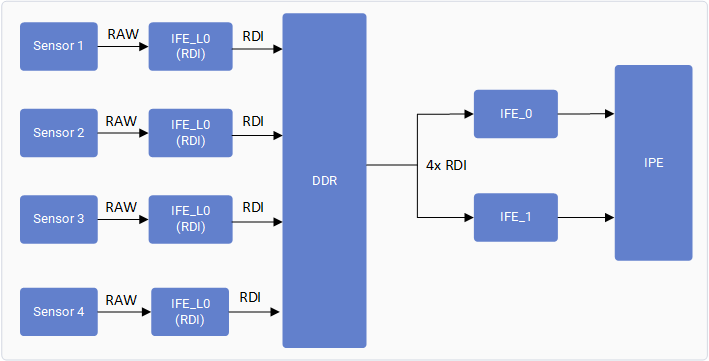
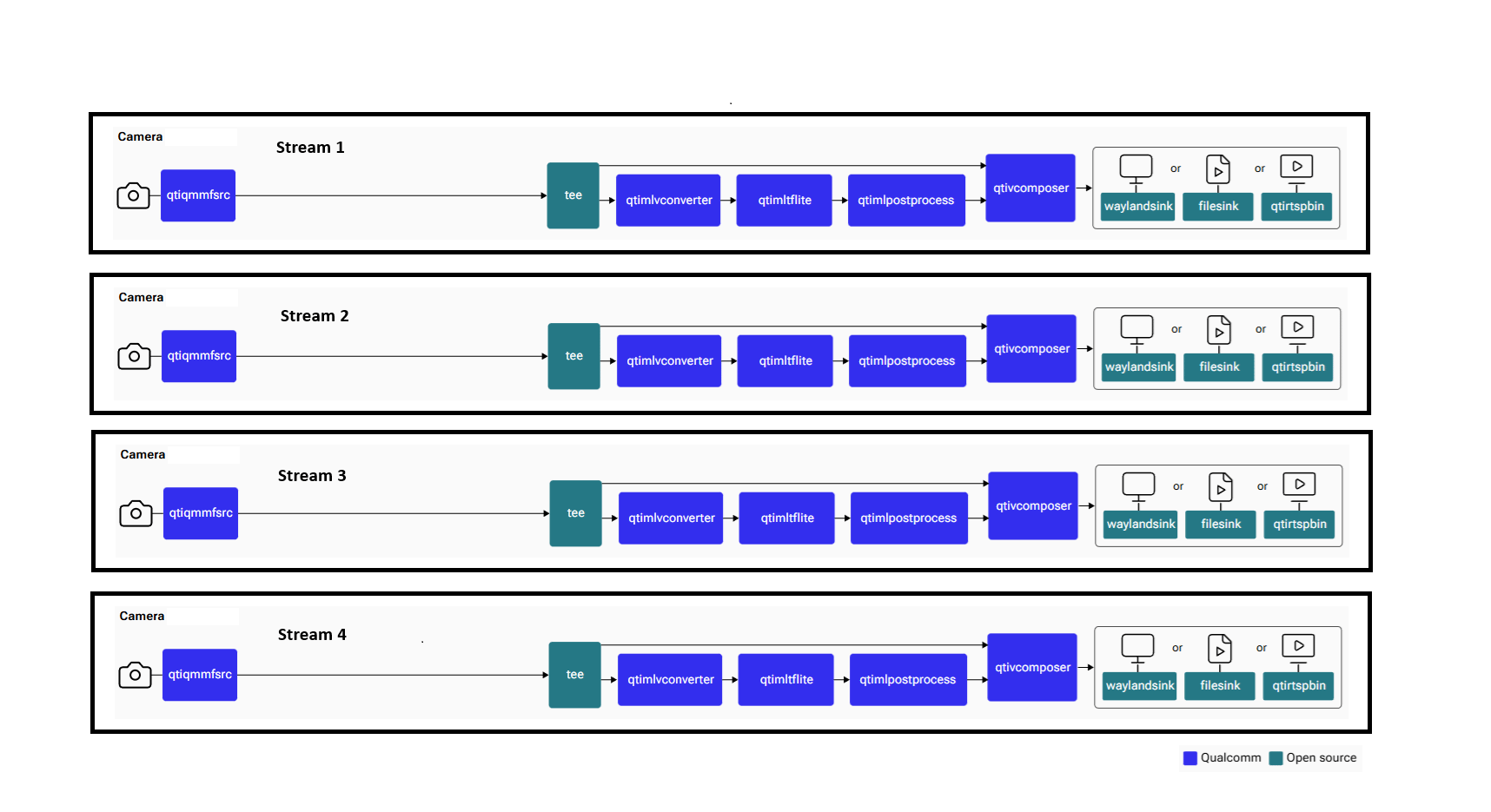
A maximum of two cameras can operate concurrently with real-time IFE. All four cameras can operate concurrently using the Offline IFE feature.
multicamera-hint=true on each qtiqmmfsrc source. See the single-camera object detection pipeline above for the pattern — replicate for camera=1, camera=2, and camera=3.
Verify Multi-Camera Operation
User log — look for:Troubleshooting
Camera App Not Working
Camera App Not Working
1
Check camera module connection and DIP switch settings
2
Restart cam-server
3
Run a single-stream test
Camera Sensor Not Probing
Camera Sensor Not Probing
Collect logs and search for Expected probe success log:If no probe success appears, check the flex cable connection or camera module.
probe success:Camera Not Streaming
Camera Not Streaming
Enable CSI debug logs and collect dmesg:Start the camera and check for SOF/EOF IRQ messages in the log.